Precise mix control
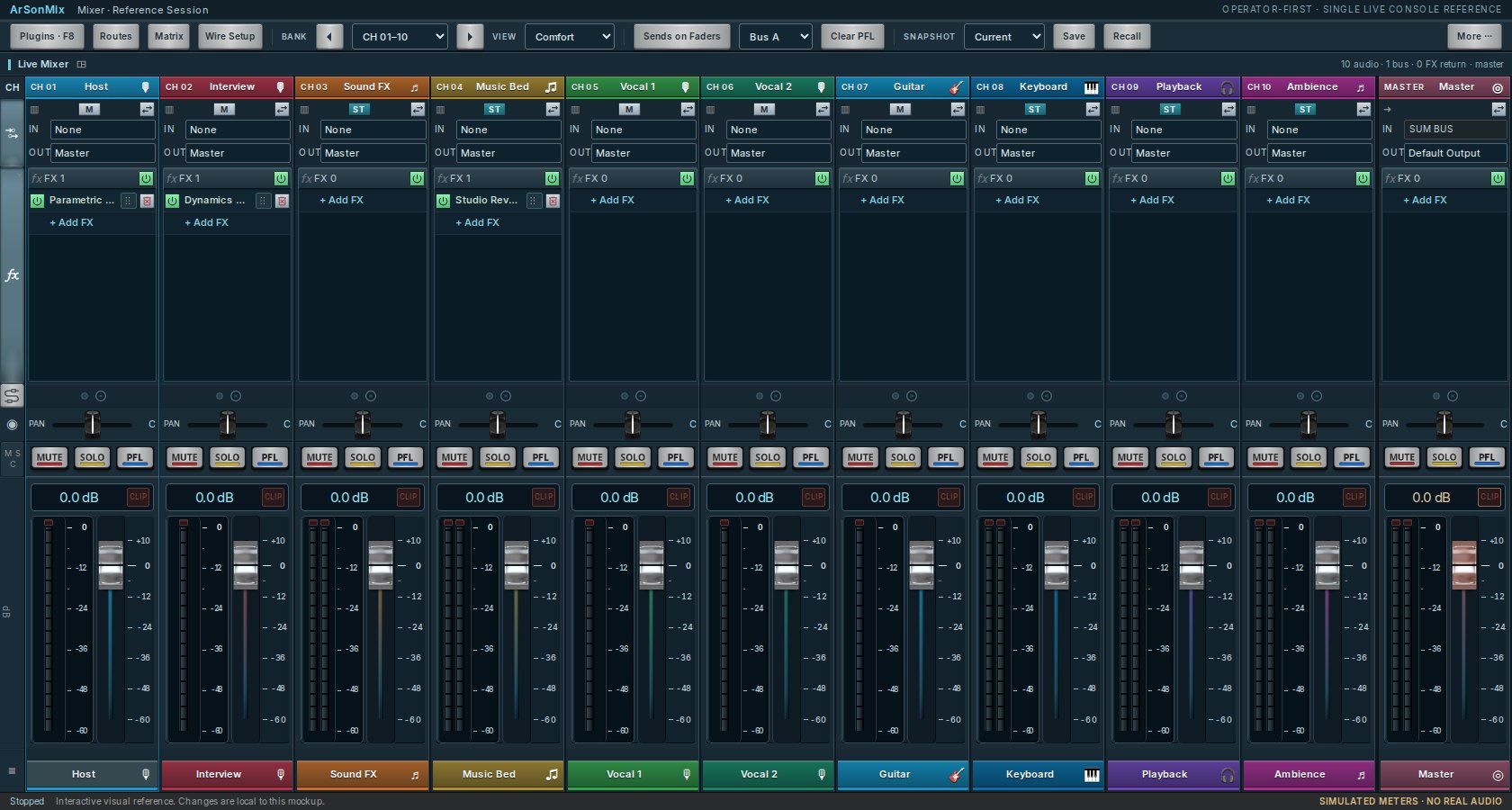
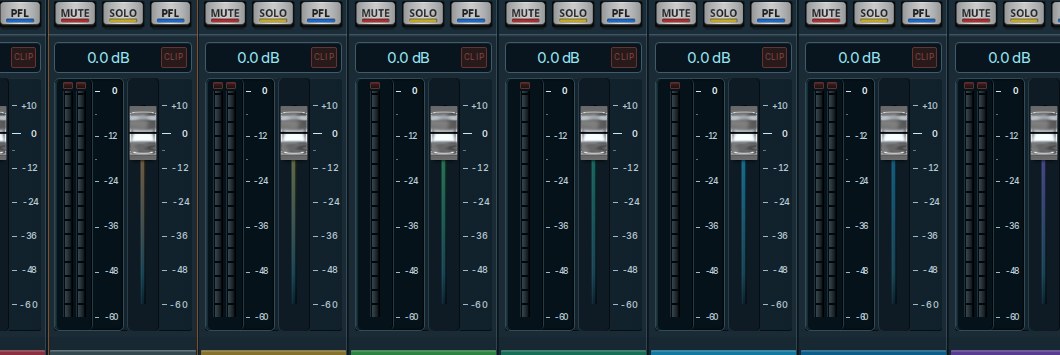
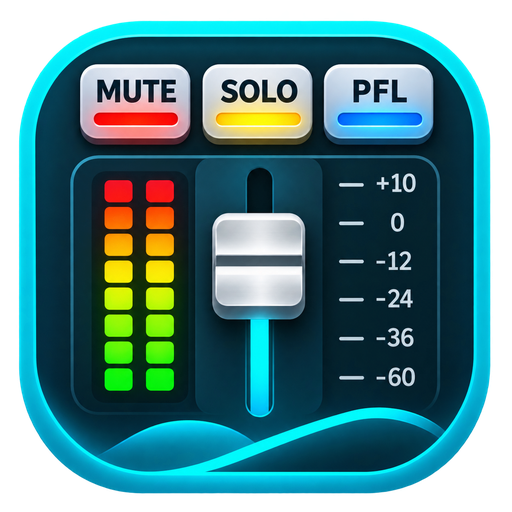
Level meters, pan, MUTE, SOLO and tactile fader control, arranged like a real desk.
Mix vocals, karaoke and live streams your way. Connect your sound card, shape your sound with effects, and route channels in one flexible digital mixer.
Free to download · Windows, Linux & macOS · No account required
Designed around familiar console controls so you can spend more time mixing and less time finding things.
Take a look around the mixer in your browser. Install the desktop app to connect your audio devices and start mixing.
Bring your microphones, music and sound card together with straightforward controls and flexible routing.
Level meters, pan, MUTE, SOLO and tactile fader control, arranged like a real desk.
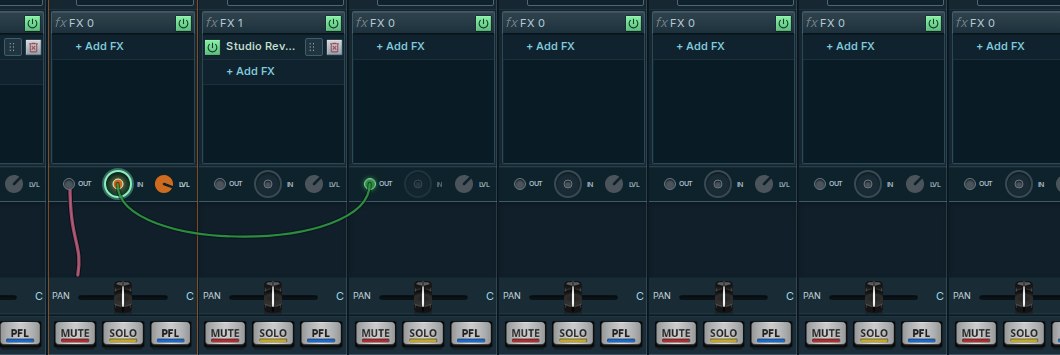
See how channels connect and keep the signal path legible across the console.
Organize inserts and work with your effects without losing your place in the mix.
Pick Windows, Linux or macOS below. Each download button opens the latest available ArSonMix package for that system.
Windows 10/11 · 64-bit
Not available yetLinux · 64-bit
Not available yetApple Silicon and Intel
Not available yetTry the interactive mixer, then download the desktop app and make it your own.